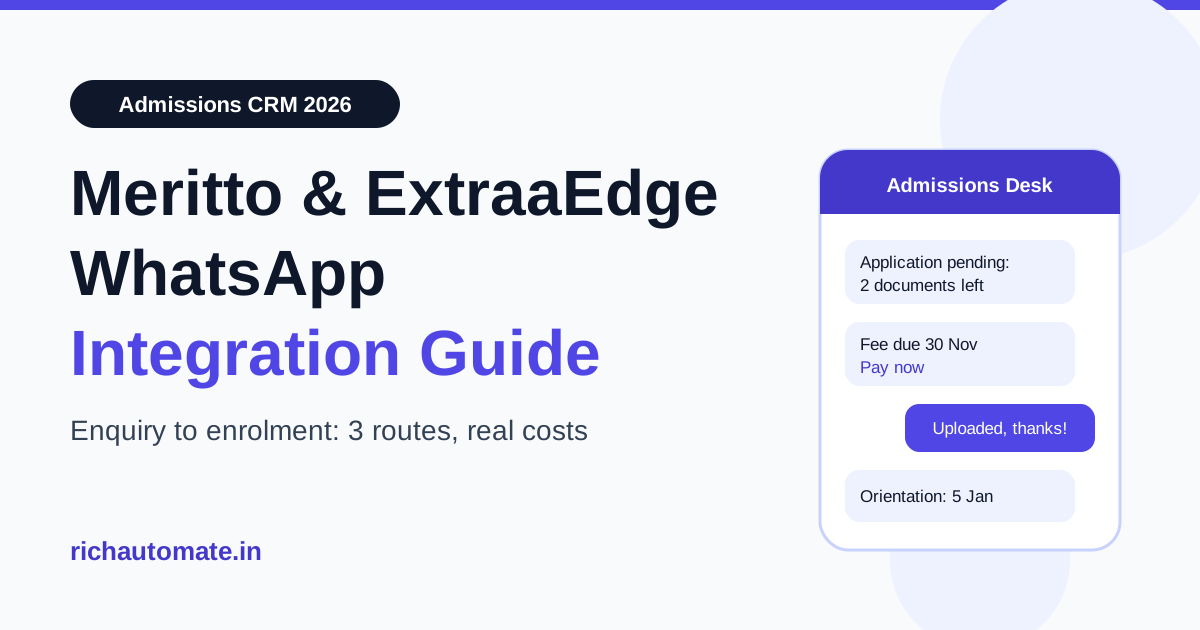
You can connect WhatsApp to Meritto (formerly NoPaperForms) or ExtraaEdge in three ways: use the CRM's own built-in WhatsApp module, wire a no-code bridge such as Zapier or viaSocket, or connect your own WhatsApp Business API number through an API platform that pushes messages on every stage change. Which route is right depends on who owns the WhatsApp number, how many enquiries you handle in peak admission season, and whether your counsellors need replies inside the CRM or in a separate shared inbox.
This guide is written for admission heads, marketing managers and IT teams at Indian colleges, universities, schools and coaching groups that already run Meritto or ExtraaEdge and want WhatsApp to carry the enquiry-to-enrolment journey. It covers what each CRM says it offers, how the three integration routes compare, which message goes at which funnel stage, what the messaging actually costs in rupees, and the consent rules you must respect under India's DPDP Act.
What Meritto and ExtraaEdge offer for WhatsApp
Both are admissions CRMs built for Indian education, and both now treat WhatsApp as a core channel rather than an add-on.
Meritto. According to Meritto's own website, the company (formerly NoPaperForms) offers a Student Engagement Suite that covers WhatsApp, email, SMS, voice and AI chat, alongside an Education CRM that ties those conversations to the enquiry, application and enrolment funnel. Third-party automation platforms such as Zapier and viaSocket also list NoPaperForms connectors that can be paired with WhatsApp Business actions.
ExtraaEdge. According to ExtraaEdge's website, the CRM includes native two-way WhatsApp inside the lead record, a WhatsApp bot, handoff from bot to live chat, and support for the WhatsApp Business API. Several chatbot vendors also sell ExtraaEdge sync connectors.
Neither vendor publishes WhatsApp message pricing in a form we can verify, so we do not quote CRM prices here. Ask your account manager for the per-message rate, the markup over Meta's charges, and whether the WhatsApp number is registered on your own Meta Business account or on the vendor's. That last point matters more than most teams realise, and we cover it below.
If portal leads reach you outside the CRM, see our WhatsApp auto-reply guide for Shiksha, CollegeDekho and Careers360 leads.
The three integration routes compared
Every working setup we see in Indian institutions falls into one of these three patterns.
| Route | How it works | Best for | Watch out for |
|---|---|---|---|
| 1. Built-in CRM module | Enable WhatsApp inside Meritto or ExtraaEdge; the vendor connects the number and bills messages | Teams that want one login and replies inside the lead record | Who owns the number and the Meta account; per-message markup; template approval speed |
| 2. No-code bridge (Zapier, viaSocket) | A CRM trigger such as "new lead" or "stage changed" fires a WhatsApp send through a connected provider | Small teams testing one or two automated messages | Task-based billing adds up in peak season; sync delays; limited two-way handling |
| 3. Your own WABA via an API platform | The CRM calls a messaging API on stage change; the platform sends approved templates and pushes replies back to the CRM by webhook | Multi-campus groups, high peak volume, teams that want the number on their own Meta account | Needs a developer for a day or two; you maintain the field mapping |
Route 1 is the fastest to switch on. Route 3 gives you the most control over cost, number ownership and what happens to student conversations if you ever change CRM. Route 2 sits in between and is usually a stepping stone.
Why number ownership matters in admissions
Your admissions WhatsApp number becomes part of your brand. Parents save it, it is printed on prospectus PDFs and hoardings, and it builds a quality rating with Meta over several seasons. If that number is registered on a vendor's Meta Business account instead of your own, moving away from that vendor can mean a messy migration or losing the number's history.
Before you switch on any built-in module, ask three questions in writing:
- Is the WhatsApp Business Account created under our own Meta Business Manager, with our institution as the verified business?
- Can we export conversation history and opt-in records if we leave?
- Can we move the number to another provider without re-verification delays?
If the answer to the first question is yes, you can keep the convenience of the built-in module and still have a clean exit. If it is no, consider route 3 from the start. For a wider view of providers that suit education, see our guide to the best WhatsApp Business API for colleges and universities.
Admissions funnel message map
Whichever route you pick, the messages themselves follow the same funnel. Meta classifies business-initiated templates as Marketing, Utility or Authentication, and the category decides the price. Getting the category right is the single biggest lever on your WhatsApp bill.
| Funnel stage | CRM trigger | WhatsApp message | Likely template category |
|---|---|---|---|
| Enquiry | New lead from website form, ad or fair | Thank-you, brochure link, counsellor name | Utility if it confirms the enquiry the student made; Marketing if it promotes other courses |
| Counselling | Counsellor assigned or call scheduled | Call slot confirmation, reschedule link | Utility |
| Application | Form started but not submitted | Reminder with deadline and resume link | Utility when tied to the student's own application |
| Documents | Document missing or rejected | Which document, how to upload | Utility |
| Fee | Offer letter issued, fee due | Amount, due date, payment link | Utility |
| Enrolment | Fee paid | Receipt, orientation date, hostel or ID card steps | Utility |
| Re-engagement | Lead cold for 30+ days, new intake opens | New batch, scholarship deadline, campus visit invite | Marketing |
Most of the admissions journey is transactional, so most of your sends should be Utility. Promotional pushes such as "admissions open" campaigns are Marketing. For ready-to-adapt wording, see our admission open WhatsApp message templates.
Replies matter too. When a student messages you first, a 24-hour customer service window opens, and free-form replies inside that window are not charged by Meta as template messages. A good bot on the enquiry form, with a fast handoff to a counsellor, keeps more of the conversation inside that window.
Get the India 2026 WhatsApp BSP price comparison
Wati vs AiSensy vs Interakt vs RichAutomate: Meta rates, platform fees and hidden costs, side by side. We send it to your WhatsApp in a minute.
What WhatsApp messaging costs for an admissions team
Meta's India rates, as listed on our WhatsApp API pricing page, are Rs 0.8631 per Marketing message and Rs 0.115 per Utility message, excluding GST. On RichAutomate's Client Pay model, Meta bills these charges directly to your own card and RichAutomate adds a flat Rs 0.10 platform fee per message, with Rs 0 setup.
| Message type | Meta rate (ex-GST) | Platform fee | Total per message | Per 1,000 messages |
|---|---|---|---|---|
| Utility (reminders, fee due, documents) | Rs 0.115 | Rs 0.10 | Rs 0.215 | about Rs 215 |
| Marketing (admissions open, scholarships) | Rs 0.8631 | Rs 0.10 | Rs 0.9631 | about Rs 963 |
A worked example: a college that handles 20,000 enquiries in a season and sends each lead five Utility messages (enquiry confirmation, counselling slot, application reminder, document request, fee reminder) sends 100,000 Utility messages. At about Rs 215 per 1,000, that is roughly Rs 21,500 for the season. Add one Marketing re-engagement send to the 12,000 leads who never applied, at about Rs 963 per 1,000, and that is roughly Rs 11,560 more. The total of about Rs 33,000 for a full season is small next to the fee value of even a handful of extra enrolments.
Plans on top of messaging are Starter Rs 499 per month, Pro Rs 899 per month and White-label Rs 1,199 per month, and the plan fee is credited to your wallet. Compare these numbers with the per-message quote you get from your CRM vendor before deciding between route 1 and route 3.
How route 3 works with RichAutomate
RichAutomate does not have a native Meritto or ExtraaEdge connector, and we will not pretend otherwise. What it has is a developer API and outbound webhooks, which together cover the two directions an admissions integration needs.
CRM to WhatsApp. Configure Meritto or ExtraaEdge (through its workflow automation, a webhook action, or a small middleware script) to call RichAutomate's public API whenever a lead changes stage. The API key authenticates the call, and a send-template endpoint delivers the approved template with the student's name, course and deadline as variables. You can also start a chatbot flow from outside WhatsApp using a flow trigger link.
WhatsApp to CRM. In RichAutomate, set up an outbound webhook subscribed to events such as message.inbound, lead.created and contact.updated. Each event is posted to a URL you control, signed with a secret you can rotate, with a delivery log and a test button. Your middleware takes that payload and updates the lead in the CRM through the CRM's own lead API, so counsellors see the student's reply on the lead record.
A typical build takes a developer one to two days: map CRM stages to template names, map CRM fields to template variables, and write the inbound handler. The same pattern is what we describe for other CRMs in our LeadSquared WhatsApp integration guide, and for school ERPs in our Fedena WhatsApp integration guide.
Step-by-step setup checklist
- Get your WhatsApp Business Account on your own Meta Business Manager. Verify the institution with its registration documents. A GST or MSME certificate helps you go live faster.
- Pick a dedicated admissions number. Do not reuse a number already active on the WhatsApp Business app unless you plan to migrate it.
- Write and submit templates by stage. Start with five Utility templates: enquiry confirmation, counselling slot, application reminder, document request, fee reminder. Add one Marketing template for re-engagement.
- Choose your route. Built-in module, no-code bridge, or API platform, based on the table above.
- Map stages and fields. List every CRM stage, the template it fires, and the CRM field behind each variable.
- Set up the reply path. Decide where counsellors reply: inside the CRM, in a shared WhatsApp inbox, or both.
- Test with five internal numbers. Move a dummy lead through every stage and check each message, variable and reply sync.
- Go live before peak season. Templates and quality rating need time; do not switch on during the first week of admissions.
Consent and DPDP compliance for student data
Admissions data often belongs to minors and their parents, so consent needs care. Under India's Digital Personal Data Protection Act, 2023, you need a clear, specific purpose for processing personal data and a lawful basis such as consent. In practice for WhatsApp:
- Add an explicit WhatsApp opt-in checkbox on enquiry forms, separate from the general terms.
- Store the opt-in timestamp and source on the CRM lead record.
- Honour opt-outs immediately. If a student replies STOP, stop Marketing sends and flag the lead in the CRM.
- For students under 18, collect consent from a parent or guardian where your process requires it.
- Do not buy or import enquiry lists from third parties for WhatsApp campaigns.
Meta also enforces its own rules. Low-quality or unsolicited messages lead to blocks and reports, which lower the number's quality rating and can limit how many people you can message per day. No provider can promise a number will never be restricted; the protection is clean opt-ins and relevant messages.
Common mistakes we see in admissions WhatsApp setups
- Sending everything as Marketing. Fee reminders and document requests are Utility. Misfiled templates cost several times more per message.
- No reply path. Students reply to automated reminders with real questions. If nobody sees those replies, you lose the lead you just paid to message.
- Switching on in peak week. New numbers start with a lower daily messaging limit that rises with good usage. Start sending a few weeks before admissions open.
- One number for every campus. Large groups often do better with one number per campus or per programme family, so counsellors see only their own leads.
- Ignoring the 24-hour window. Fast human replies to inbound messages keep conversations inside the service window and keep costs down.
Which route should you choose?
If you have one campus, fewer than a few thousand enquiries a season, and your CRM vendor confirms the number sits on your own Meta account, the built-in module in Meritto or ExtraaEdge is the simplest choice. If you run several campuses, expect heavy peak volume, or want full control over number ownership and per-message cost, connect your own WABA through an API platform and sync it to the CRM by webhook. Coaching groups with similar funnels can also read our WhatsApp API guide for coaching institutes.
Want to test route 3 on your own number? Create a free RichAutomate account, connect your WhatsApp Business number, and send your first Utility template to a test lead today.