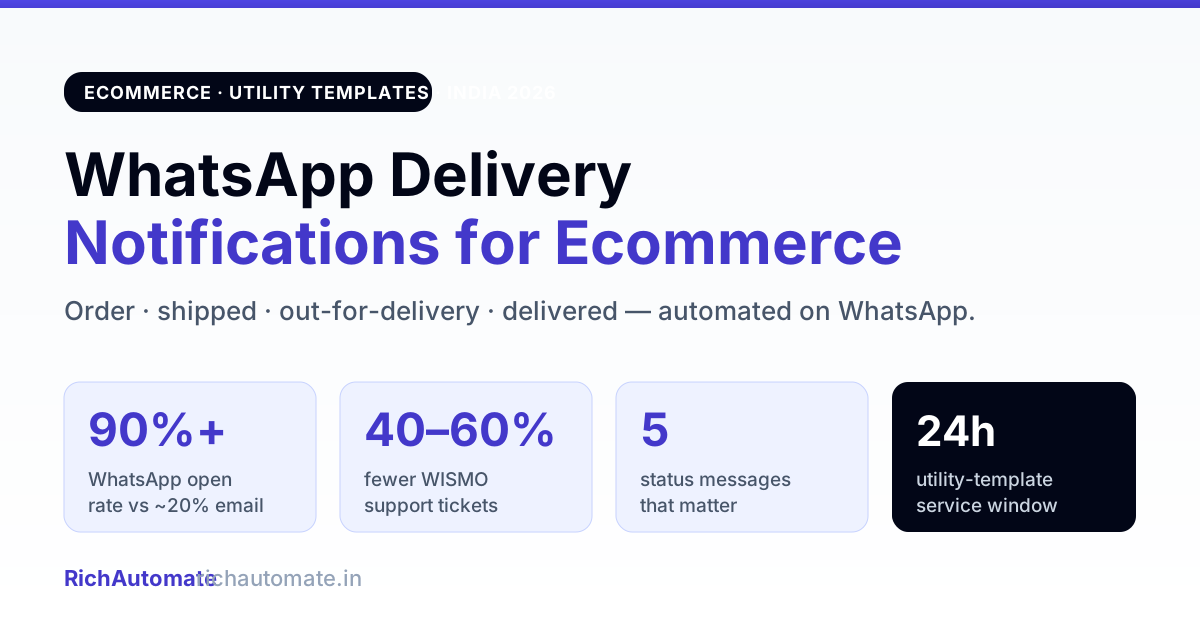
WhatsApp delivery notifications are automated utility-template messages — order confirmed, shipped, out-for-delivery, delivered — fired from your store or courier webhook to the customer's WhatsApp inside the service window. For Indian ecommerce they cut "where is my order?" support tickets by 40–60%, lift the open rate to 90%+ versus ~20% on email, and reduce failed deliveries because the customer actually sees the out-for-delivery alert and stays reachable.
Why delivery updates belong on WhatsApp, not SMS or email
Order-status is the single most-opened transactional message a shopper gets — and the channel decides whether they see it in time. Email buries it under promotions; SMS gets ignored and costs per segment; WhatsApp lands where the customer already chats and opens at 90%+.
Delivery updates are utility messages; the cart nudge that precedes the order is not. Our guide to WhatsApp abandoned cart recovery in India covers why that category split matters for billing and approval.
- Fewer WISMO tickets: "where is my order?" is the top support volume for D2C. Proactive shipped/out-for-delivery pings kill most of it before the ticket is raised.
- Fewer failed deliveries: an out-for-delivery alert with the courier's name and a live tracking link means the customer is home, phone answered, cash ready. That directly trims the 25–40% return-to-origin rate that eats COD margins.
- Two-way in one thread: the customer can reply "reschedule" or "gate code 4B" right in the same chat — no separate app, no call-centre queue.
The five delivery-notification messages that matter
1. Order confirmed
Fires on order-created. Restates items, amount, address, ETA. Doubles as the opt-in event and kills fake/duplicate orders.
2. Shipped / dispatched
Fires when the courier picks up. Include AWB number and a tracking link button. This is the message that stops the first wave of WISMO queries.
Get the India 2026 WhatsApp BSP price comparison
Wati vs AiSensy vs Interakt vs RichAutomate: Meta rates, platform fees and hidden costs, side by side. We send it to your WhatsApp in a minute.
3. Out for delivery
The highest-value ping. Fire it the morning of delivery with the courier partner name and an option to reply for reschedule or delivery instructions. This is where you save failed shipments.
4. Delivered
Confirmation + a one-tap feedback or reorder prompt. Closes the loop and opens the door to a review or repeat purchase.
5. Delayed / exception
Honesty beats silence. A proactive "your order is delayed by a day, new ETA is…" message prevents the angry ticket and the bad review.
Utility templates: the cost and compliance rules
Every one of these is a utility-category template — tied to a specific transaction, deliverable inside the 24-hour service window, and far cheaper than marketing messages. Get these right before you scale:
- Template approval: submit each status message as utility with clear variables ({{order_id}}, {{tracking_url}}, {{courier}}). Utility templates approve fast and rarely get rejected when the body is transactional and specific.
- Opt-in: capturing consent at checkout covers all order-related messaging. You do not need a separate marketing opt-in to send delivery updates about an order the customer placed.
- Per-message pricing: Meta bills per conversation category. A full order → shipped → out-for-delivery → delivered sequence is a few utility conversations — a fraction of a rupee against the support cost of one WISMO ticket. The full economics are in our pricing breakdown.
- GST to go live: a WhatsApp Business API number transacting commercially in India needs GST on file to go fully live (trial works without). Budget it before launch.
Wiring it up: build vs buy
The plumbing is a webhook from your store/courier (Shiprocket, Delhivery, Shopify, WooCommerce) → template send → tracking-link injection → reply parsing → window tracking. Hand-built against the Meta Cloud API that is a few weeks of engineering plus ongoing template-approval and billing-reconciliation upkeep. On a managed platform the messaging lifecycle, template management, and tracking buttons already exist — you map the courier events and go live in days. See what a managed setup covers in features, and if you run in-chat orders too, the catalog commerce playbook shows how the order object flows end to end.
Your 7-day rollout checklist
- Day 1–2: Draft + submit five utility templates (confirmed, shipped, out-for-delivery, delivered, delayed).
- Day 3: Map your courier/store webhook events to the five template sends.
- Day 4: Inject the tracking-link button and courier name into shipped + out-for-delivery.
- Day 5: Add the reply branch (reschedule / instructions) on out-for-delivery.
- Day 6: Add the delivered → feedback/reorder prompt.
- Day 7: Go live on 10% of orders, measure WISMO-ticket drop and RTO delta, then scale.
Track two numbers: WISMO tickets per 100 orders (should fall fast) and failed-delivery rate (should follow). Both pay back the setup inside the first weeks of volume.
For copy-paste wording, see our order shipped and out-for-delivery message templates, with the shipping-API status mapping that triggers each one.