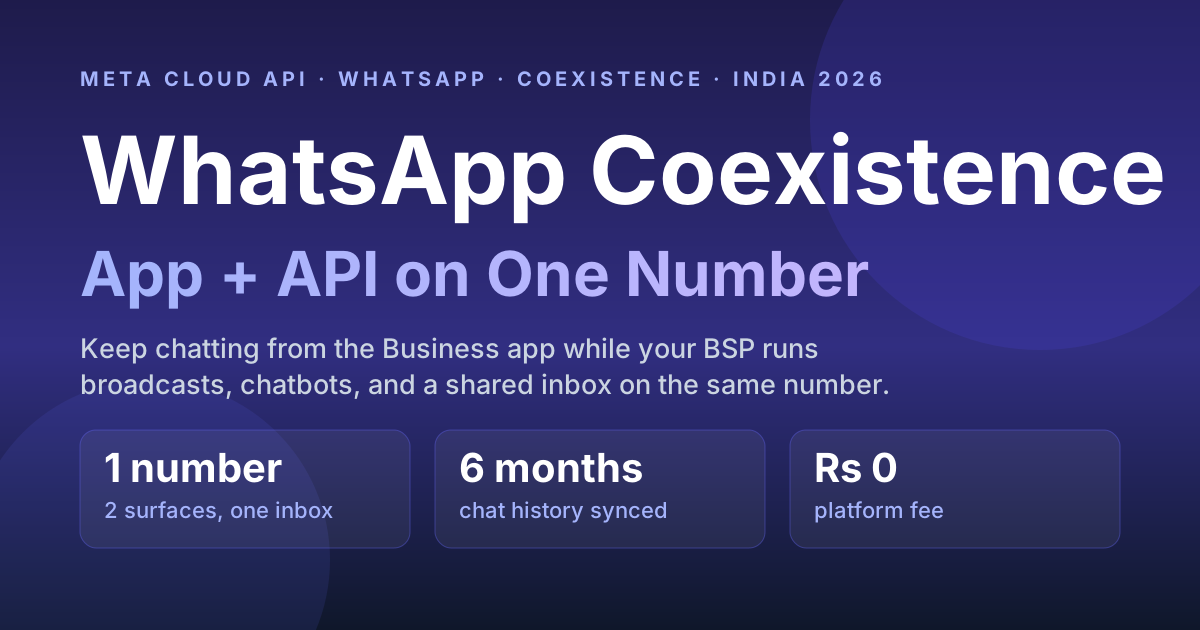
Yes — Meta's official WhatsApp Coexistence onboarding lets one phone number run the WhatsApp Business app and the WhatsApp Cloud API at the same time: you keep replying from the app while a platform sends templates, chatbots and broadcasts through the API. Per Meta's developer documentation it needs WhatsApp Business app version 2.24.17 or higher, syncs the most recent 6 months of chats plus contacts, fixes the number's throughput at 20 messages per second, and keeps app-sent messages free while API messages are billed at Cloud API rates. It is Meta's answer to the old, painful rule where connecting a number to the API permanently kicked you out of the app. Now the owner keeps chatting from the phone while a BSP platform runs broadcasts, automations, and a shared inbox on the identical number.
Disclosure: this guide is published by RichAutomate, a WhatsApp Business API platform that offers Coexistence onboarding. Requirements, synced data, unsupported features and throughput were checked against Meta's Embedded Signup documentation for onboarding WhatsApp Business app users on 30 October 2026.
Update, October 2026: Meta changed the coexistence signup flow. The popup now opens on "Add your WhatsApp phone number" and there is no separate "Connect your existing WhatsApp Business app" screen. See why the WhatsApp coexistence option is missing and the new 2026 steps.
Quick answer
Coexistence links your existing WhatsApp Business app number to the Cloud API so both work together — no number change, no lost chats. You keep tapping out replies in the app; your BSP sends templates, runs the chatbot, and gives your team a shared inbox on the same number. Up to 6 months of chat history and your contacts sync across. Messages you type in the app stay free; messages sent through the API are billed per message by Meta (India: ₹0.8631 marketing, ₹0.115 utility or authentication) plus your platform's fee — ₹0.10 per message on RichAutomate Client Pay.
What is WhatsApp Coexistence?
Coexistence is a WhatsApp Business Platform onboarding mode that lets a single number use the WhatsApp Business app and the Cloud API simultaneously. Historically the two were mutually exclusive: the moment you registered a number on the API, WhatsApp deactivated that number inside the Business app, so a shop owner who liked replying from their phone had to give that up to get automation. Coexistence removes that trade-off — the app and the API share one number and stay in sync.
Think of it as two front doors into the same conversation. A customer messages your number once. That message shows up in the owner's WhatsApp Business app and in your BSP dashboard. Whoever replies first — a human on the phone or an automation on the API — the customer just sees one continuous thread.
The BSP migration cost calculator covers the costs people forget: the overlap month and re-approving every template.
Can I use the WhatsApp Business app and the API on the same number at once?
Yes — that is exactly what Coexistence enables, and it is the single biggest reason it exists. Before Coexistence, using the WhatsApp Business API instead of the Business app was a one-way door: you lost the app. With Coexistence enabled during onboarding, both surfaces read and write to the same inbox. The owner sends a quick voice note or catalogue from the phone; the marketing team fires a festival broadcast from the BSP; the chatbot handles after-hours FAQs — all on one number, no conflict.
How is Coexistence different from migrating to the API?
Migration is a full handover — the app goes dark and everything runs through the API. Coexistence is a shared setup where the app stays live alongside the API. Here is the practical difference:
| Dimension | Coexistence | Full API migration | Business app only |
|---|---|---|---|
| WhatsApp Business app still usable? | Yes, on the same number | No — app is deactivated on that number | Yes (no API) |
| Automation, chatbot, broadcasts at scale | Yes (via API/BSP) | Yes (via API/BSP) | No — manual only |
| Number change required | No | No | No |
| Chat history preserved | Most recent 6 months synced (must be requested within 24h of onboarding) | Not imported into the API inbox | Stays on the phone |
| Shared team inbox | Yes | Yes | Limited (few linked devices) |
| Best for | Owner still wants to chat from the phone | Team fully runs on the platform | Tiny volumes, no automation |
If your team has already moved off the phone and lives inside the platform, a straight migration is cleaner. If the founder or a store manager insists on keeping WhatsApp on their handset, Coexistence is the bridge. Either way, once you are on the API you can freely migrate between BSPs without losing the number.
Will I lose my chats and contacts when I enable Coexistence?
No — Coexistence is designed to preserve them. During onboarding, WhatsApp syncs your contacts and up to about six months of recent chat history from the Business app across to the API side, so your BSP inbox is not a blank slate. This is a deliberate improvement over the old migration flow, where teams often lost visibility of prior conversations. Message media and very old threads may not all carry over, so treat the sync as "recent context preserved," not a full forensic archive.
One timing rule matters: Meta only shares that history if it is requested within 24 hours of onboarding. Miss the window and the business has to offboard and run the Coexistence signup again. When you connect through the Coexistence option on RichAutomate, the history request is sent automatically as part of onboarding, and replies you later type in the app show up in the RichAutomate inbox next to the API messages, so the team sees one thread.
Is my number eligible for WhatsApp Coexistence in 2026?
Coexistence works for most active Indian businesses, but Meta applies a short eligibility check. Your number qualifies if it meets all of these:
- It's live on the WhatsApp Business app. The number must already be registered and active on the WhatsApp Business app — not the consumer WhatsApp app, and not a brand-new unregistered SIM.
- It isn't already API-only. A number that was fully migrated to the WhatsApp Business Platform no longer has a Business app account to coexist with.
- The Business app is on version 2.24.17 or higher. That is Meta's stated minimum. Update it from the Play Store or App Store first; older builds can't complete Coexistence onboarding.
- You onboard through a BSP's Embedded Signup. During Meta's Embedded Signup you choose the "keep using the app" (Coexistence) path instead of a full migration.
- The number isn't restricted. A number under a Meta ban or flagged low-quality has to be cleared before Coexistence can be enabled.
If your number is brand new or already on the API, you don't need Coexistence — see how to get the WhatsApp Business API in India or the WhatsApp Business app vs API comparison to pick the right route.
Get the India 2026 WhatsApp BSP price comparison
Wati vs AiSensy vs Interakt vs RichAutomate: Meta rates, platform fees and hidden costs, side by side. We send it to your WhatsApp in a minute.
How do I set up Coexistence in India?
Setup runs through Meta's Embedded Signup with the Coexistence option, started from inside the WhatsApp Business app. The high-level flow:
- Keep your number on the WhatsApp Business app (not the consumer WhatsApp app) and make sure the app is updated to a recent version.
- Start Coexistence onboarding from your BSP's connect flow (on RichAutomate: WhatsApp → Connect, then the Coexistence option). Meta's Embedded Signup popup opens and, since October 2026, starts by asking for your WhatsApp Business app phone number.
- Approve the link on your phone by following the prompt Meta shows during signup in your WhatsApp Business app, which authorises the connection between the app number and the Cloud API / your Business Portfolio. Keep the app open until the sync finishes.
- Confirm the sync of contacts and recent chat history into the API side.
- Complete business details and run Meta Business Verification (free) to lift your messaging limit from 250 to 2,000 customers a day. The blue badge is a separate paid product — see the green tick guide.
New to the platform entirely? Our step-by-step guide to getting the WhatsApp Business API in India covers the account, Business Portfolio, and verification basics that Coexistence sits on top of. You can also use an existing personal or business number — Coexistence works precisely because it keeps that number in play.
What are the limitations of Coexistence?
Coexistence is a bridge, not a loophole, and it comes with guardrails:
- WhatsApp Business app only. The number must be on the WhatsApp Business app — the consumer WhatsApp app cannot coexist with the API.
- Some app features stop working. Meta's documentation lists these as unsupported on a Coexistence number: group chats, disappearing messages, view-once messages, live location, broadcast lists (existing lists become read-only and new ones can't be created), voice and video calls, Channels, and some companion devices such as WhatsApp for Windows and Wear OS.
- Throughput and quality still apply. A Coexistence number has a fixed throughput of 20 messages per second, and API messaging limits, template approval, and your number's quality rating govern how much you can send — Coexistence does not raise those ceilings.
- Keep the phone active. Meta disconnects the link if the primary device running the Business app is inactive for about 14 days, so the owner's phone has to stay in regular use.
- One team, one discipline. With two front doors, you need clear rules so a human and an automation do not both reply to the same message. A proper shared team inbox with agent routing solves this.
- Not every BSP exposes it. Coexistence requires the BSP to support the Coexistence onboarding path; if yours does not, you are back to a one-way migration.
Who should use Coexistence vs a full API migration?
Use Coexistence when a human — usually the owner or a store manager — will keep replying from the WhatsApp Business app on their phone, and you want automation and broadcasts layered on top without disrupting that habit. It is ideal for small D2C brands, clinics, restaurants, and local service businesses taking their first step into automation.
Choose a full migration when your team already works entirely inside a dashboard, you want every conversation governed by routing, tags, and audit logs, and nobody needs the phone app on that number. Larger teams and anyone with strict DPDP audit needs usually land here. Not sure whether you even need a provider in between? Read do I need a BSP for the WhatsApp Business API.
Does Coexistence cost extra in India?
No. Coexistence is an onboarding mode, not a paid add-on. Messages typed in the WhatsApp Business app stay free. Messages sent through the API are billed per message by Meta — in India ₹0.8631 per marketing and ₹0.115 per utility or authentication template — and since 1 October 2026 the first 1,000 service replies per number each month are free, then billed at the utility rate. On RichAutomate you then pick a billing mode: Client Pay adds ₹0.10 per message and Meta bills you directly, or SaaS Pay is all-in at ₹1.50 per marketing and ₹0.50 per utility message. Setup is ₹0, monthly plans (₹499, ₹899, ₹1,199) are optional, and there is a 14-day free trial with 100 credits to test the whole flow.
Running app + API on one number: daily rules that work
Coexistence is easy to switch on and easy to run badly. These habits keep the two front doors from tripping over each other:
- Decide who answers what. For example: the chatbot handles after-hours and FAQ keywords, the team inbox owns order and payment questions, and the owner's phone is for VIP customers only. Write it down so nobody double-replies.
- Move broadcasts to the API. App broadcast lists become read-only under Coexistence, so recurring offers and updates should go out as approved templates to opted-in contacts from your platform.
- Plan big sends around 20 messages per second. At that fixed rate 10,000 messages take a little over 8 minutes and 100,000 take about 83 minutes, so schedule large campaigns early rather than at the last minute.
- Keep the owner's phone in use. The link drops after roughly 14 days of primary-device inactivity, so a phone left in a drawer during a holiday can disconnect the API side.
- Connect the API side within the first day. History sync is only honoured within 24 hours of onboarding, so finish onboarding when you have time to check that recent chats arrived.
Run the app and the API on one number — with RichAutomate
Keep chatting from your phone, and let RichAutomate handle broadcasts, chatbots, and a shared team inbox on the exact same number. ₹0 setup, official Meta Cloud API, ₹0.10 per message on Client Pay plus Meta's rate. Start the 14-day trial with 100 free credits and connect your number in minutes. Start free or see pricing. Comparing total cost across providers? Read the cheapest WhatsApp Business API in India guide.
Stuck on the error "Selected business CoEx gate evaluation is missing"? Follow our CoEx gate evaluation missing fix.