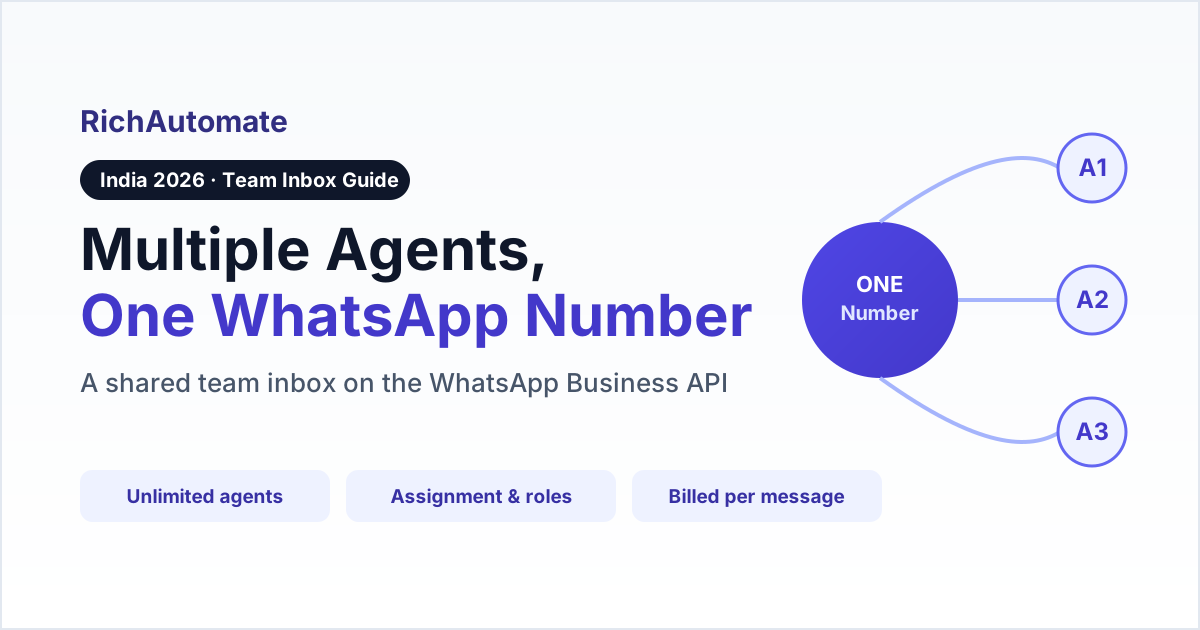
Yes — the WhatsApp Business API lets an unlimited number of agents reply from a single WhatsApp number through a shared team inbox, something the free WhatsApp Business app simply cannot do for a real team. The app ties one number to one phone plus roughly five linked "companion" devices that all view the exact same chat list — no assignment, no roles, agents overwriting each other. The API removes that ceiling: your whole sales or support team works one number, with each conversation routed to the right person.
Quick answer
Multiple agents can absolutely share one WhatsApp Business API number. Meta places no limit on how many human agents sit behind an API number — the cap comes from your platform, not from WhatsApp. A shared team inbox (like RichAutomate's) lets any number of agents reply from the same number with conversation assignment, roles, tags, and canned replies. The free WhatsApp Business app can't do this: it's one phone plus about five linked devices all sharing a single, un-assignable chat list. And because WhatsApp bills per message, not per seat, adding agents does not raise your Meta cost.
Can multiple people use the same WhatsApp Business number?
Yes — on the WhatsApp Business API, many agents can send and reply from one number at the same time. What you cannot do is run a real team on the free WhatsApp Business app. The app is built for a single owner using multiple screens: one primary phone plus up to about five linked "companion" devices, all showing the identical chat list. There is no way to hand a conversation to a specific teammate, no roles, and no protection against two people replying to the same customer. The moment you have more than one or two people answering messages, that model breaks. The API paired with a platform gives you a genuine multi-agent inbox instead — the same official number, but with a dashboard your whole team logs into. If you are still deciding between the two, our breakdown of the WhatsApp Business API vs the Business app covers the full trade-off.
How many agents can use one WhatsApp Business API number?
There is no WhatsApp or Meta limit on how many agents can work behind an API number — the agent count is set by your BSP or platform plan, not by WhatsApp. Meta cares about your message quality and your daily messaging tier, not your headcount. That means a two-person shop and a fifty-agent contact centre can both run on one API number; the difference is purely which platform you pick and how it prices seats. Some providers charge per agent, which quietly scales your bill as you grow. RichAutomate's shared inbox does not put a per-seat toll on adding teammates, so growing the team does not grow the platform fee. Before you compare seat pricing, it helps to know whether you even need a BSP for the WhatsApp Business API at all.
WhatsApp Business App vs API for a team — what is the real difference?
The free app looks like it supports a team because you can link a few devices, but those devices are mirrors of one account, not separate agent seats. The API plus a platform is what actually turns one number into a shared workspace. Here is the honest side-by-side for an Indian business in 2026:
| Capability | WhatsApp Business App (free) | WhatsApp Business API + platform |
|---|---|---|
| Agents on one number | 1 phone + ~5 linked devices (same chat list) | Unlimited (set by your platform) |
| Assign a chat to one agent | No | Yes |
| Roles and permissions | No | Yes (admin, manager, agent) |
| Routing and queues | No | Yes |
| Collision prevention | No — anyone can reply | Yes — assignment + "replying" indicator |
| Canned replies, tags, notes | Basic quick replies only | Full set, shared across team |
| Broadcasts at scale | Limited, ban-risk | Approved templates, high tiers |
| Audit log | No | Yes (DPDP-ready) |
| Cost model | Free, but no team features | Per-message (₹0 platform fee on RichAutomate) |
The takeaway: the app is fine for a solo owner, but any business with a support or sales team needs the API inbox to avoid missed and duplicated replies.
What is a shared team inbox and how does it work?
A shared team inbox is a single dashboard where every conversation sent to your WhatsApp number lands and can be assigned to a specific agent. Customers only ever see and message one business number; behind it, the platform routes each chat to the right person. The flow is simple: an inbound message arrives, it is assigned (manually or by rules) to an agent, that agent replies from the business number, and the conversation carries tags, internal notes, and a resolution status the whole team can see. Managers get a view of every chat and every agent's queue; each agent focuses on the conversations assigned to them. This is the piece the free app is missing entirely — it has one queue that everyone shares and no one owns.
Get a 1-minute BSP audit on WhatsApp
Drop your WhatsApp number — we line-item your current invoice against Meta India rates in under 60 seconds. India-hosted, DPDP-compliant.
Can two agents reply to the same customer at the same time?
Only if you let them — a proper team inbox prevents collisions with assignment and a live "agent is replying" indicator, so two people don't send conflicting answers. When a chat is assigned to one agent, teammates can see it is being handled and can reassign or escalate rather than reply over the top. On the free app there is no such guard: two linked devices can both start typing and the customer gets double, contradictory replies. The API inbox is built for concurrency — that is the whole point of moving a team off the app. Keeping replies fast and single-threaded also protects your sender reputation, which feeds directly into your WhatsApp quality rating.
Does adding more agents cost more on WhatsApp?
No — Meta bills per message by category, not per agent or per seat, so adding your second or tenth agent does not change what WhatsApp charges you. Your only variable is the platform on top. Per-seat BSPs add a monthly fee for every agent, which can quietly become your biggest line item as the team grows. RichAutomate takes the opposite approach with a ₹0 platform fee, so agents are effectively free and you pay only for the messages you send:
| RichAutomate model | Platform / seat fee | Per-message | Meta charges |
|---|---|---|---|
| Client Pay (bring your own Meta billing) | ₹0 | ₹0.10 flat markup | Paid direct to Meta |
| SaaS Pay (all-inclusive INR) | ₹0 | ₹1.50 marketing / ₹0.50 utility | Bundled in |
Both include a 14-day trial and 100 free credits. Meta's charges follow its 2025-26 per-message model — each template is priced by category (marketing, utility, authentication), not the old "first 1,000 conversations free" scheme. Replies your agents send inside an open 24-hour customer service window are the cheapest, so a responsive team inbox actually lowers cost. For the full picture, see what the WhatsApp Business API costs in India.
The conversation window cost calculator shows how the 24-hour window changes your per-conversation spend.
How do I set up a multi-agent WhatsApp team inbox in India?
Get your number onto the WhatsApp Business API through a platform, then invite your team — it is a few steps, not a developer project:
- Choose a WhatsApp platform (BSP) and start a trial — compare the field in our ranked list of top WhatsApp Business API providers in India.
- Complete Meta Business Verification and connect your business phone number to the API (a number currently on the free app has to be migrated off it first).
- Invite your team as users and assign roles — admin, manager, or agent — so people only see what they should.
- Set assignment rules (round-robin, by tag, or manual) so incoming chats route to the right queue.
- Add canned replies and tags your whole team shares, then start replying from the one number.
Two India-specific notes: GST registration is effectively required to go live on the API (a trial can start without it, but going live cannot), and DLT registration does not apply — that is an SMS-only requirement, not a WhatsApp one.
Does using multiple agents affect my WhatsApp quality rating?
Not directly — quality rating is driven by how customers react to your messages (blocks and reports), not by how many agents you have. If anything, a shared team inbox protects your rating: more agents mean faster, on-topic human replies, fewer ignored messages, and fewer frustrated customers hitting block. The risk is the opposite setup — one overwhelmed person on the app missing messages for hours. So moving a growing team to a proper multi-agent inbox is a quality upgrade, not a risk. If your rating has already slipped, our guide on recovering a red WhatsApp quality rating walks through the fix.
Is RichAutomate's shared team inbox included?
Yes — RichAutomate includes a shared team inbox on the official Meta Cloud API, with unlimited-agent assignment, roles and permissions, tags, canned replies, DPDP-ready audit logging, and a ₹0 platform fee. Your customers see one number; your team logs into one dashboard, and each conversation goes to the right agent. There is no per-seat charge, so you add teammates freely and pay only for the messages you send — the same official WhatsApp Business API underneath, minus the developer build and minus the per-agent toll most platforms charge.
Weighing a specific team-inbox vendor rather than the pattern? Our Periskope alternatives comparison for Indian ops teams puts six options side by side on seat pricing versus conversation pricing.
Shared numbers break attribution. Fix it with per-agent identity in your WhatsApp API audit log.
Shared ownership only works if escalations transfer cleanly between the people in the inbox. Pair this with a WhatsApp complaint escalation matrix so an escalated chat lands on a named owner instead of back in the common queue.
Weighing more options? See the best ControlHippo alternatives in India for a side-by-side of seat-free and per-user platforms.