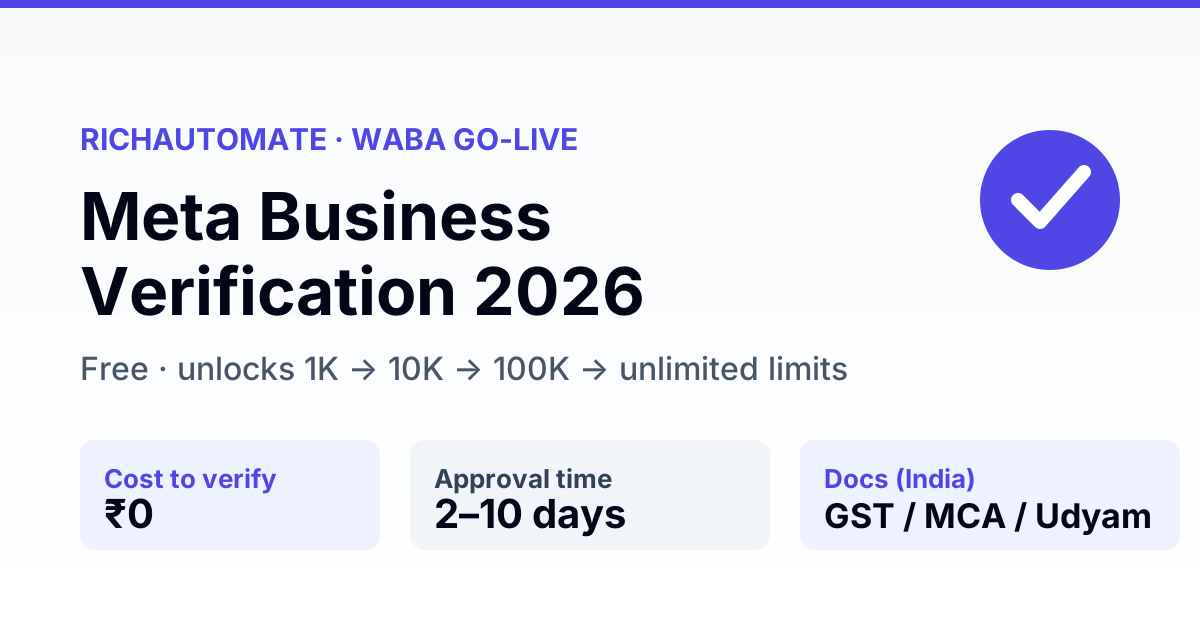
Meta Business Verification is free, done inside Meta Business Manager, and is what unlocks higher WhatsApp Business API messaging limits (1K → 10K → 100K → unlimited). In India you verify a registered legal entity by submitting your business name, address, phone number and a government document (GST certificate, Certificate of Incorporation, or Udyam/MSME), and Meta confirms them against public records — approval usually lands in 2–10 working days.
This is the step most first-time WhatsApp API businesses get stuck on. Below is the exact document list for India, the Business Manager flow, the rejection reasons we see most, and what it actually costs to go live once you clear it.
Who needs Business Verification — and when
Any business that wants to send WhatsApp messages at real volume needs it. You can connect a WhatsApp Business Account and send your first template messages while verification is still pending, but you stay pinned to the lowest limit until Meta confirms your business. If you plan to run broadcasts, order updates, OTPs, or any campaign that touches more than a couple of hundred customers a day, verify early — treat it as a launch task, not an afterthought.
The businesses that get blocked mid-launch are almost always the ones that skipped verification, hit the 250-customer ceiling on day one of a campaign, and then scrambled. Doing it up front costs you nothing and removes the single most common go-live surprise in India.
What Meta Business Verification is — and what it is not
Two different things share the word "verified" and get confused constantly:
- Meta Business Verification — a one-time check that your business is a real, registered entity. It is free, gates your WhatsApp API messaging tier, and is mandatory before you can scale sends. This is the page.
- Meta Verified (the green tick / blue badge) — a paid monthly subscription for a verified badge on your profile. Optional, separate, and not required to send at scale. We cover that in the Meta Verified green tick guide.
You need Business Verification to grow. You do not need the paid green tick to send messages.
Why it matters: the messaging-limit ladder
An unverified WhatsApp Business Account is capped low. Verification is the key that opens the tiers:
| Status | Business-initiated conversations / 24h |
|---|---|
| Unverified (new) | 250 unique customers |
| Verified, Tier 1 | 1,000 unique customers |
| Verified, Tier 2 | 10,000 unique customers |
| Verified, Tier 3 | 100,000 unique customers |
| Verified, Tier 4 | Unlimited |
Tiers step up automatically on quality + volume once you are verified. Without verification you are stuck at the bottom rung no matter how good your delivery is.
Documents you need in India
Meta matches what you enter against your document and against public/government records. Everything must be consistent — same legal name, same address, same number.
| Item | What works in India |
|---|---|
| Legal business name | Exactly as on your registration doc — not your brand/trade name |
| Business document | GST certificate · Certificate of Incorporation (MCA) · Udyam/MSME · Shop & Establishment licence |
| Business address | Must match the document above |
| Business phone number | A number that can receive a verification call/SMS, listed publicly if possible |
| Website / email domain | A live site + a matching domain email strengthens approval |
Step-by-step: verifying in Business Manager
- Open business.facebook.com → Business Settings → Security Centre (or Business Info → Verification).
- Click Start Verification and enter your legal business name, address and phone number.
- Pick the matching government document and upload a clear, uncropped copy.
- Choose how Meta reaches you — phone, SMS or email on the business domain.
- Submit and enter the confirmation code. Then wait: most Indian entities hear back in 2–10 working days.
Tip: complete this before you launch campaigns. A pending verification does not block your first sends, but it does cap your reach — and a mid-campaign rejection is painful to unwind.
Get a 1-minute BSP audit on WhatsApp
Drop your WhatsApp number — we line-item your current invoice against Meta India rates in under 60 seconds. India-hosted, DPDP-compliant.
Do it yourself, or let a BSP handle it?
| Path | Cost | Best for |
|---|---|---|
| Self-serve (DIY) | Free | Teams with clean, matching GST/MCA docs and time to resubmit if rejected |
| BSP-assisted | Usually free with your provider | First-timers who want the docs pre-checked before submission |
| Agency / consultant | ₹5,000–₹25,000 one-time | Complex entity structures, foreign parents, or repeated rejections |
Meta charges nothing for verification on any path. Any provider quoting a "Meta verification fee" is marking up a free process. On RichAutomate we pre-check your documents and walk you through submission at no charge — you keep the free Meta process, you just skip the rejections.
Stuck on verification and want a second pair of eyes before you submit? Start a free 14-day trial — our team reviews your documents and guides the WABA setup end to end.
Common rejection reasons — and the fix
- Name mismatch — you entered your brand name, not the legal name on the GST/MCA doc. Fix: copy the legal name character-for-character.
- Address mismatch — the address on Business Manager differs from the document. Fix: align both to the registration address.
- Blurry or cropped document — Meta cannot read it. Fix: upload a full, high-resolution scan.
- Unreachable phone number — the confirmation call/SMS failed. Fix: use a number you control that can receive the code.
- Thin public footprint — no website or public listing to cross-check. Fix: put up a basic live site with a matching domain email before resubmitting.
Rejected? You can appeal or resubmit. Fix the flagged field first — resubmitting the same data gets the same answer.
Business Verification vs phone-number registration
Another pair of steps that get confused. Business Verification proves your company is real. Phone-number registration and display-name approval are separate steps that get your number onto the WhatsApp Business API. You typically do them in this order:
- Create the WhatsApp Business Account inside your Meta Business portfolio.
- Add and verify your phone number (SMS/call OTP) — this must be a number not already active on the regular WhatsApp or WhatsApp Business app.
- Get your display name approved — it must reflect your real business, not a generic keyword.
- Complete Business Verification to unlock the higher messaging tiers.
All four are free from Meta. Verification is the one that gates your scale; the others gate whether you can send at all. A BSP like RichAutomate walks you through every step in one onboarding flow so you are not stitching them together yourself.
How long the whole go-live takes
Realistically, plan for one to two weeks end to end in India: number and display-name approval usually clear in a day or two, and Business Verification is the longer pole at 2–10 working days. If your documents are clean and consistent, you can be live and sending at Tier 1 (1,000 customers/day) inside a week. The delays are almost always self-inflicted — a name that does not match the GST certificate, a cropped upload, or a phone number that cannot receive the code. Get those right the first time and the process is fast.
After verification: what going live actually costs
Verification is free. Sending is not — but on RichAutomate the platform layer is usage-only: ₹0 setup, ₹0 monthly floor, no per-seat fee. You pay for what you send:
- Client Pay — ₹0.10/message platform fee, and you pay Meta directly for conversations.
- SaaS Pay — all-in ₹1.20 per marketing message, ₹0.30 per utility/authentication message, Meta charges included.
Model your own volume with the WABA cost calculator, or see the full breakdown in the WhatsApp API cost guide. One more India requirement: a valid GST number is mandatory to go live (a trial works without it), so keep your GST certificate handy — it doubles as your verification document.
Verified and ready to send? Pick a plan — start on the free trial with 100 credits, no card, and move to usage-only billing when you go live.