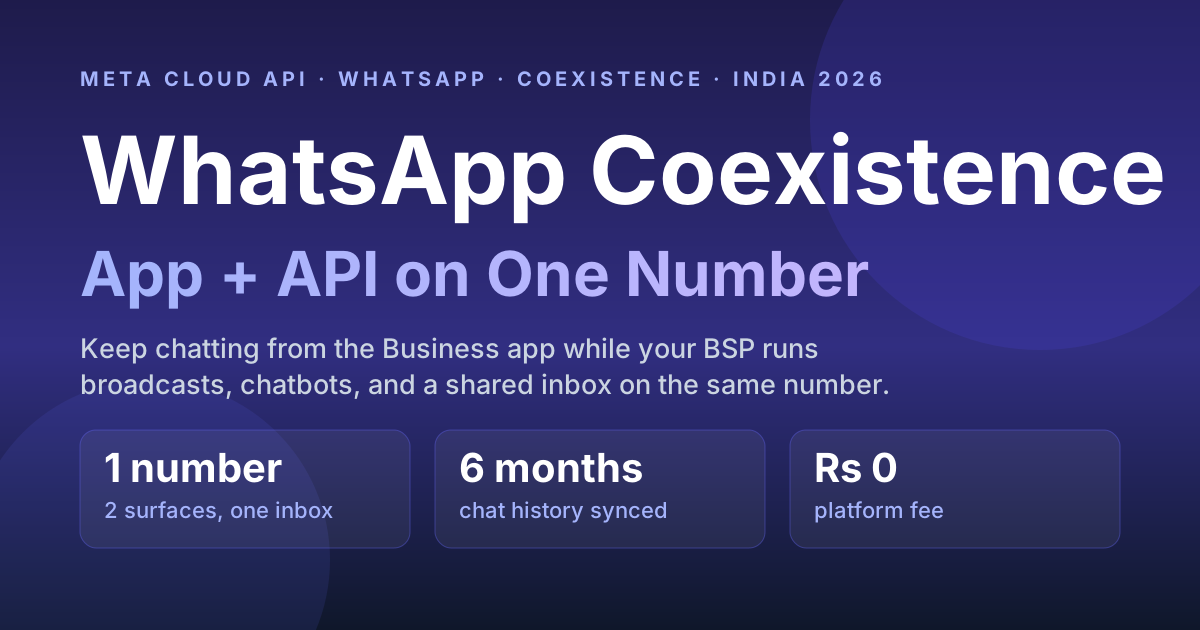
Yes — with WhatsApp Coexistence you can run the WhatsApp Business app and the WhatsApp Business (Cloud) API on the same phone number at the same time. It is Meta's 2024–2026 answer to the old, painful rule where connecting a number to the API permanently kicked you out of the app. Now the owner keeps chatting from the phone while a BSP platform runs broadcasts, automations, and a shared inbox on the identical number.
Update, October 2026: Meta changed the coexistence signup flow. The popup now opens on "Add your WhatsApp phone number" and there is no separate "Connect your existing WhatsApp Business app" screen. See why the WhatsApp coexistence option is missing and the new 2026 steps.
Quick answer
Coexistence links your existing WhatsApp Business app number to the Cloud API so both work together — no number change, no lost chats. You keep tapping out replies in the app; your BSP sends templates, runs the chatbot, and gives your team a shared inbox on the same number. Up to 6 months of chat history and your contacts sync across. Pricing does not change: ₹0 platform fee on RichAutomate, you pay only Meta's per-message rates.
What is WhatsApp Coexistence?
Coexistence is a WhatsApp Business Platform onboarding mode that lets a single number use the WhatsApp Business app and the Cloud API simultaneously. Historically the two were mutually exclusive: the moment you registered a number on the API, WhatsApp deactivated that number inside the Business app, so a shop owner who liked replying from their phone had to give that up to get automation. Coexistence removes that trade-off — the app and the API share one number and stay in sync.
Think of it as two front doors into the same conversation. A customer messages your number once. That message shows up in the owner's WhatsApp Business app and in your BSP dashboard. Whoever replies first — a human on the phone or an automation on the API — the customer just sees one continuous thread.
The BSP migration cost calculator covers the costs people forget: the overlap month and re-approving every template.
Can I use the WhatsApp Business app and the API on the same number at once?
Yes — that is exactly what Coexistence enables, and it is the single biggest reason it exists. Before Coexistence, using the WhatsApp Business API instead of the Business app was a one-way door: you lost the app. With Coexistence enabled during onboarding, both surfaces read and write to the same inbox. The owner sends a quick voice note or catalogue from the phone; the marketing team fires a festival broadcast from the BSP; the chatbot handles after-hours FAQs — all on one number, no conflict.
How is Coexistence different from migrating to the API?
Migration is a full handover — the app goes dark and everything runs through the API. Coexistence is a shared setup where the app stays live alongside the API. Here is the practical difference:
| Dimension | Coexistence | Full API migration | Business app only |
|---|---|---|---|
| WhatsApp Business app still usable? | Yes, on the same number | No — app is deactivated on that number | Yes (no API) |
| Automation, chatbot, broadcasts at scale | Yes (via API/BSP) | Yes (via API/BSP) | No — manual only |
| Number change required | No | No | No |
| Chat history preserved | Up to ~6 months synced | Recent history synced at onboarding | Stays on the phone |
| Shared team inbox | Yes | Yes | Limited (few linked devices) |
| Best for | Owner still wants to chat from the phone | Team fully runs on the platform | Tiny volumes, no automation |
If your team has already moved off the phone and lives inside the platform, a straight migration is cleaner. If the founder or a store manager insists on keeping WhatsApp on their handset, Coexistence is the bridge. Either way, once you are on the API you can freely migrate between BSPs without losing the number.
Will I lose my chats and contacts when I enable Coexistence?
No — Coexistence is designed to preserve them. During onboarding, WhatsApp syncs your contacts and up to about six months of recent chat history from the Business app across to the API side, so your BSP inbox is not a blank slate. This is a deliberate improvement over the old migration flow, where teams often lost visibility of prior conversations. Message media and very old threads may not all carry over, so treat the sync as "recent context preserved," not a full forensic archive.
Is my number eligible for WhatsApp Coexistence in 2026?
Coexistence works for most active Indian businesses, but Meta applies a short eligibility check. Your number qualifies if it meets all of these:
Get a 1-minute BSP audit on WhatsApp
Drop your WhatsApp number — we line-item your current invoice against Meta India rates in under 60 seconds. India-hosted, DPDP-compliant.
- It's live on the WhatsApp Business app. The number must already be registered and active on the WhatsApp Business app — not the consumer WhatsApp app, and not a brand-new unregistered SIM.
- It isn't already on the Cloud API. A number that was previously migrated to the WhatsApp Business Platform can't switch to Coexistence — it's already a full-API number.
- The Business app is on a recent version. Update it from the Play Store or App Store first; older builds don't show the Coexistence onboarding option.
- You onboard through a BSP's Embedded Signup. During Meta's Embedded Signup you choose the "keep using the app" (Coexistence) path instead of a full migration.
- The number isn't restricted. A number under a Meta ban or flagged low-quality has to be cleared before Coexistence can be enabled.
If your number is brand new or already on the API, you don't need Coexistence — see how to get the WhatsApp Business API in India or the WhatsApp Business app vs API comparison to pick the right route.
How do I set up Coexistence in India?
Setup runs through Meta's Embedded Signup with the Coexistence option, started from inside the WhatsApp Business app. The high-level flow:
- Keep your number on the WhatsApp Business app (not the consumer WhatsApp app) and make sure the app is updated to a recent version.
- Start Coexistence onboarding from your BSP's connect flow — it opens Meta's Embedded Signup and asks you to link the app via a QR code shown in WhatsApp Business app → Settings → linked accounts / advanced tools.
- Scan the QR with the app to authorise the link between the app number and the Cloud API / your Business Portfolio.
- Confirm the sync of contacts and recent chat history into the API side.
- Complete business details and, if you want the blue badge later, run Meta Business Verification.
New to the platform entirely? Our step-by-step guide to getting the WhatsApp Business API in India covers the account, Business Portfolio, and verification basics that Coexistence sits on top of. You can also use an existing personal or business number — Coexistence works precisely because it keeps that number in play.
What are the limitations of Coexistence?
Coexistence is a bridge, not a loophole, and it comes with guardrails:
- WhatsApp Business app only. The number must be on the WhatsApp Business app — the consumer WhatsApp app cannot coexist with the API.
- Some app-side features conflict. Certain Business-app features (channels, communities, some Meta AI features) may be restricted or behave differently once the API is linked.
- Throughput and quality still apply. API messaging limits, template approval, and your number's quality rating govern how much you can send — Coexistence does not raise those ceilings.
- One team, one discipline. With two front doors, you need clear rules so a human and an automation do not both reply to the same message. A proper shared team inbox with agent routing solves this.
- Not every BSP exposes it. Coexistence requires the BSP to support the Coexistence onboarding path; if yours does not, you are back to a one-way migration.
Who should use Coexistence vs a full API migration?
Use Coexistence when a human — usually the owner or a store manager — will keep replying from the WhatsApp Business app on their phone, and you want automation and broadcasts layered on top without disrupting that habit. It is ideal for small D2C brands, clinics, restaurants, and local service businesses taking their first step into automation.
Choose a full migration when your team already works entirely inside a dashboard, you want every conversation governed by routing, tags, and audit logs, and nobody needs the phone app on that number. Larger teams and anyone with strict DPDP audit needs usually land here. Not sure whether you even need a provider in between? Read do I need a BSP for the WhatsApp Business API.
Does Coexistence cost extra in India?
No. Coexistence is an onboarding mode, not a paid add-on. On RichAutomate the platform fee is ₹0 whether you run Coexistence or a full migration — you pay only Meta's per-message rates (Meta bills per message, not per 1,000). Marketing messages land around ₹1.50 and utility messages around ₹0.50 on SaaS-Pay, and there is a 14-day free trial with 100 credits to test the whole flow. Going live for real does require a GST number, so keep that ready.
Run the app and the API on one number — with RichAutomate
Keep chatting from your phone, and let RichAutomate handle broadcasts, chatbots, and a shared team inbox on the exact same number. ₹0 platform fee, official Meta Cloud API, DPDP audit log included. Start the 14-day trial with 100 free credits and connect your number in minutes. Start free or see ₹0/mo pricing.