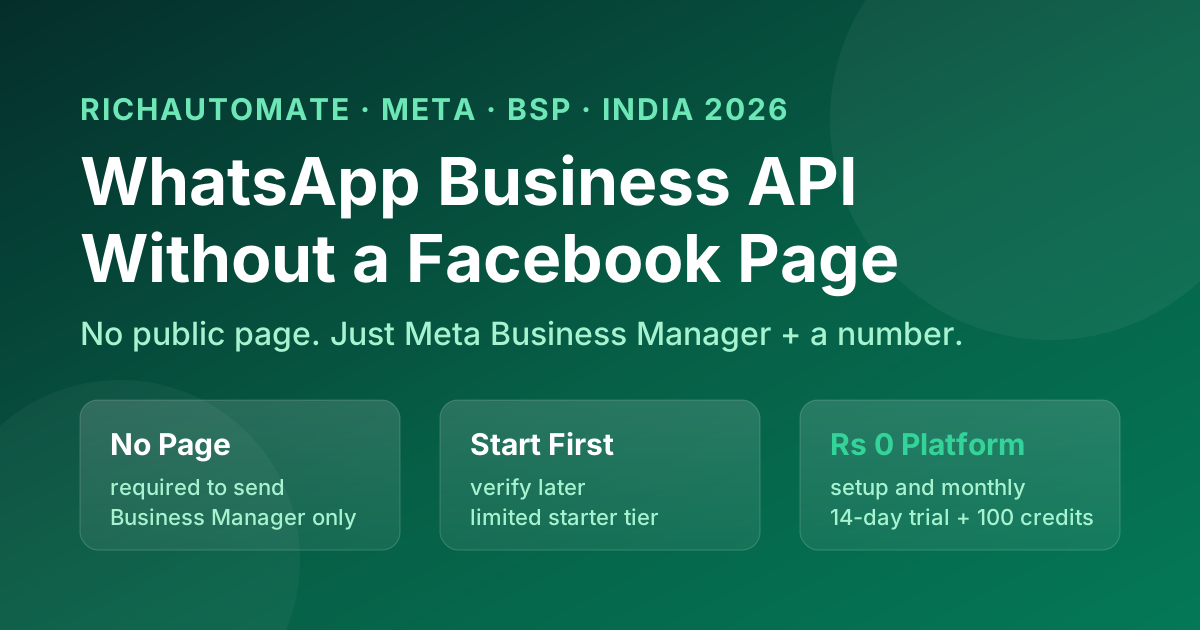
Can you get the WhatsApp Business API in India without a Facebook page? Short answer: you do not need a public Facebook page, but you do need a Meta (Facebook) account and a WhatsApp Business Account that lives inside Meta Business Manager — because the API is Meta's product and there is no way around the Meta layer. The good news for 2026 is that Meta has loosened the front door: through a Business Solution Provider (BSP) you can connect a phone number and start sending on the Cloud API before completing formal Facebook Business Verification, landing in a limited starter tier and graduating from there. This answer-first guide unpacks exactly what is and is not required, the difference between a "Facebook page" and the Meta account you genuinely need, and how to get live in India with the least friction. Treat platform specifics as "verify as of 2026" — Meta changes onboarding rules frequently.
The 10-second answer. No public Facebook page is required to run the WhatsApp Business API. You do need: (1) a Meta account that owns a Meta Business Manager / portfolio, (2) a phone number that is not currently active on the WhatsApp consumer or WhatsApp Business app, and (3) a BSP like RichAutomate to provision the WhatsApp Business Account. Full Facebook Business Verification can come later — you can start in a limited messaging tier first. Verify the current Meta onboarding flow as of 2026.
Do you need a Facebook page to get WhatsApp Business API?
No — a Facebook page (the public profile you post to) is not a requirement. The confusion comes from conflating three different things people loosely call "Facebook": a personal Facebook profile, a public Facebook page, and Meta Business Manager (the admin console). The WhatsApp Business API is administered through Meta Business Manager, not through a public page. You can create a Business Manager and a WhatsApp Business Account without ever creating, publishing or maintaining a Facebook page that customers see. So if your worry is "I don't want to run a Facebook page," you are fine. What you cannot avoid is the Meta account itself, because the API is Meta's infrastructure and every message is sent through Meta's Cloud API.
What do you actually need to get on the API in India?
The genuine prerequisites are short. Treat this as the checklist to verify against the current Meta flow as of 2026.
| Requirement | Needed? | Notes |
|---|---|---|
| Public Facebook page | No | Not required to provision or send |
| Meta account + Business Manager / portfolio | Yes | The admin layer the WABA lives in |
| A phone number free of WhatsApp | Yes | Must not be active on the consumer or Business app; deregister first or use a fresh number |
| A BSP (e.g. RichAutomate) | Yes (recommended) | Provisions the WABA, handles templates and billing |
| Website | No (helpful) | Not strictly required to start; useful later for verification trust |
| GST / company registration | No to start | Helps with Business Verification and green tick later, not to send |
| Full Facebook Business Verification | Not upfront | Can be deferred; you start in a limited tier and verify later |
For the full step-by-step, our how to get WhatsApp Business API in India guide walks the entire onboarding, and Meta Business Verification for WhatsApp covers the verification step you can defer.
Before you commit to a move, the BSP migration cost calculator gives you the all-in figure rather than the sticker price.
Can I start the API without Facebook Business Verification?
Yes — this is the big 2026 change. Meta now lets you connect a number through a Tech Provider / BSP and begin sending on the Cloud API before you finish formal Business Verification. You are automatically placed in a limited-access starter tier: you can message a capped number of unique customers in a rolling 24-hour window and typically register a small number of phone numbers. That is enough to test flows, build templates and start real conversations. You then complete Business Verification and graduate to higher messaging tiers as your quality and volume justify it. The verification is not a wall in front of "hello world" anymore — it is a gate in front of scale. Verify the exact starter caps and tier thresholds as of 2026, since Meta tunes them.
Get a 1-minute BSP audit on WhatsApp
Drop your WhatsApp number — we line-item your current invoice against Meta India rates in under 60 seconds. India-hosted, DPDP-compliant.
Is a Facebook page needed for the green tick or higher limits?
The green tick (verified business badge) and higher messaging limits are separate from the page question. You do not need a public Facebook page to apply, but you do generally need completed Meta Business Verification, a clean quality rating, and — for the green tick — supporting evidence that your brand is notable (independent press / media coverage, not self-published). A page can add to your overall brand footprint but it is not the deciding factor. The deciding factors are verification status, message quality and notability. Our deep-dive on the WhatsApp green tick in India explains the evidence bar honestly — there are no guarantees of approval, only a stronger or weaker case.
Can I use my existing WhatsApp number on the API?
Only if you free it first. A phone number can be active on exactly one of: the consumer WhatsApp app, the WhatsApp Business app, or the WhatsApp Business API — never two at once. If the number you want to use already has WhatsApp on a phone, you must delete that account from the app (which erases its chats) before migrating it to the API. Most Indian businesses instead provision a fresh dedicated number for the API so the team can keep using the app on the old number during transition. Plan this deliberately — migrating your main customer-facing number is a one-way door for the app chats on it. Verify the current migration steps as of 2026.
WhatsApp Business app vs WhatsApp Business API — which do I even need?
If your only worry is avoiding Facebook, note that the free WhatsApp Business app needs no Facebook anything — but it is a single-phone, manual tool with no automation, no team inbox, no broadcast at scale and no chatbot. The API is what powers automation, multi-agent inboxes, template broadcasts and CTWA ads — and that is the one that touches Meta Business Manager. So the real trade-off is not "page or no page," it is "manual app or automated API." Most growing Indian SMBs outgrow the app the moment they need to broadcast, automate replies or run more than one agent. Our WhatsApp Business API vs Business app comparison lays out exactly when to switch.
What does it cost to start without all the Facebook overhead?
Provisioning the API itself carries no Meta licence fee — you pay per conversation to Meta, plus whatever your BSP charges. This is where most of the "hidden Facebook cost" fear is misplaced: there is no fee for having (or not having) a page. On RichAutomate the platform layer is genuinely zero-fee, so you can get live, sit in the starter tier, and only pay for the messages you actually send. See real pricing in the FAQ below and on the WhatsApp Business API cost in India guide.
Build it on RichAutomate without a Facebook page
You can stand up a fully automated WhatsApp presence — provisioned WABA inside Meta Business Manager (no public page required), template messaging, chatbot flows, broadcast, click-to-WhatsApp ads and a multi-agent inbox — while deferring formal Business Verification until you are ready to scale past the starter tier. RichAutomate charges ₹0 platform fee, ₹0 setup, ₹0 monthly. On Client Pay you pay only ₹0.10 per message plus Meta's own per-conversation charge billed to you directly by Meta at Meta's rates; on SaaS Pay it is an all-in ₹1.20 per marketing conversation and ₹0.30 per utility conversation. There is a 14-day free trial with 100 credits, so you can test the whole flow before committing a rupee. Keep Meta Business Manager as the admin layer, let RichAutomate handle provisioning and billing, and verify the current onboarding, verification and tier rules as of 2026. See the full pricing page for details.
Get live on the API — page-free, friction-light
You do not need a public Facebook page to run the WhatsApp Business API in India, and you no longer need to clear full Business Verification before sending your first message. You need a Meta account and Business Manager, a phone number free of WhatsApp, and a BSP to provision the WhatsApp Business Account — then you can start in the limited tier and graduate as your quality and volume grow. RichAutomate keeps the platform layer flat: ₹0 platform fee, ₹0 setup, ₹0 monthly — Client Pay at ₹0.10 per message with Meta conversation charges billed direct by Meta, or SaaS Pay at ₹1.20 marketing / ₹0.30 utility all-in. Start the 14-day free trial with 100 credits, WhatsApp us at 918160311319, or book a 30-minute walkthrough at https://calendly.com/inrichdaddy/30min. (Meta onboarding, verification and messaging-tier rules change; verify the current position as of 2026. This is operational guidance, not legal advice.)
Start your 14-day free trial → · See full pricing · Read the API onboarding guide