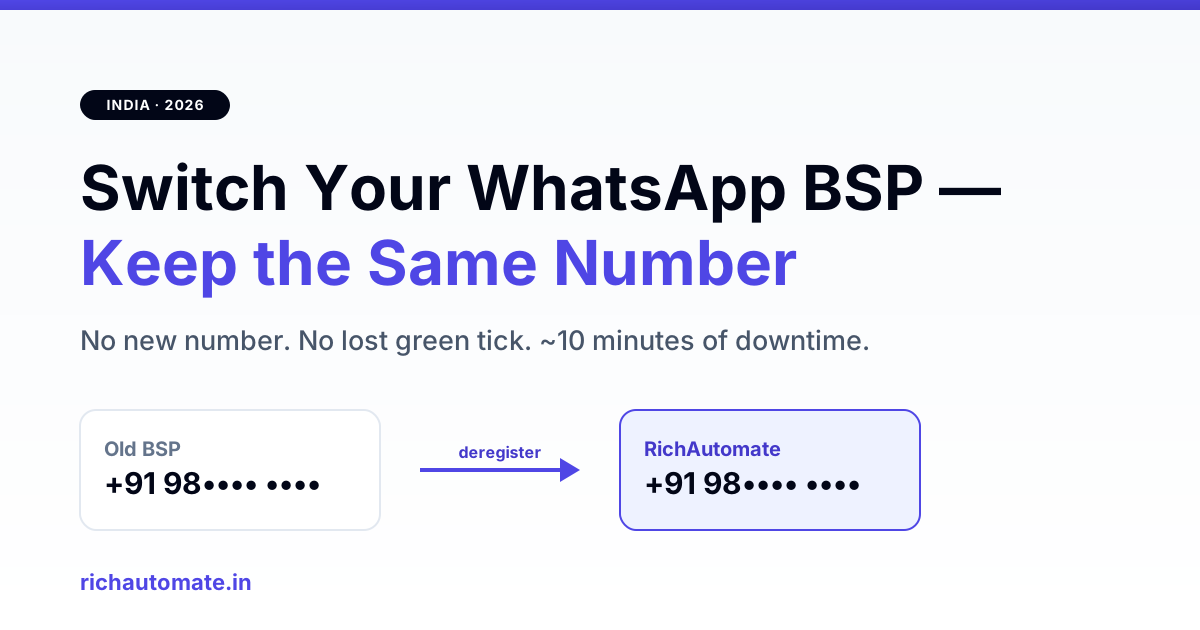
Yes — you can switch your WhatsApp Business API provider (BSP) and keep the exact same phone number and green tick. Your number belongs to your Meta WhatsApp Business Account (WABA), not to the BSP, so migrating is a matter of deregistering the number on the old provider and re-registering it on the new one — typically under 10 minutes of messaging downtime when done cleanly.
This guide walks Indian businesses through the exact 2026 migration path: what carries over, what resets, how to avoid a multi-hour outage, and how to protect your quality rating during the cutover.
Can you keep your number when switching BSP?
Your WhatsApp API number is tied to three things you own: your Meta Business Manager, your WABA, and the phone number ID Meta issued. A BSP is only the software layer that talks to Meta's Cloud API on your behalf. Because the number lives on Meta's side, no BSP can hold it hostage — you can point it at a new provider whenever you want, without informing customers or reprinting a single sticker.
What a BSP can do is make leaving inconvenient: locking the WABA under their own Business Manager, sitting on your templates, or charging a markup you only notice at volume. Knowing what you keep versus what resets removes that friction.
What carries over vs what resets
- Keeps: your phone number, green tick / official business status, WABA, business verification, and messaging tier (1K/10K/100K/unlimited).
- Re-created: approved message templates must be re-submitted on the new BSP — approval is usually fast because Meta already has them on the WABA, but budget a day.
- Resets to zero: in-app chat history, contact lists, and flows stored inside the old BSP's dashboard. Export these before you deregister.
- Unaffected: your 24-hour customer service windows and quality rating travel with the number, not the provider.
The 6-step switch
- Take ownership of the WABA. In Meta Business Settings, confirm your own Business Manager is the owner (not just a partner) of the WABA. If the old BSP owns it, request an ownership transfer first — this is the single most common blocker.
- Export everything. Download contacts, chat exports, template copies, and any flow JSON from the old dashboard.
- Deregister the number on the old BSP. This releases the phone number ID from their app. Do it in a low-traffic window.
- Re-embed on the new BSP. Run the new provider's embedded signup flow, select the existing WABA and number, and verify the OTP. The number is now live on the new provider.
- Re-submit templates. Recreate your utility and marketing templates; most clear review within hours.
- Send a test + point your webhooks. Fire one live message, confirm delivery and inbound webhook, then flip production traffic.
How much downtime — and how to minimise it
The only true outage is the gap between deregistering on the old BSP and completing OTP verification on the new one. Done in one sitting with credentials ready, that is 5–10 minutes. It balloons only when the WABA ownership isn't sorted first, or when you start the re-embed without the Meta login handy. Prep steps 1–2 a day ahead, then run steps 3–6 back-to-back and the number barely blinks.
Get a 1-minute BSP audit on WhatsApp
Drop your WhatsApp number — we line-item your current invoice against Meta India rates in under 60 seconds. India-hosted, DPDP-compliant.
Migrating a number that is still on the consumer WhatsApp Business app? That is a different first hop — see migrate an app number to the API before choosing a BSP.
Green tick and quality rating during migration
Your green tick verification is granted at the WABA level, so it survives the switch untouched — you do not re-apply. Likewise your Green/Yellow/Red quality rating stays with the number. The one risk is behavioural: if you resume high-volume marketing the instant you cut over, a spike in blocks can dent the rating. Warm back up gradually over the first day on the new provider.
The costs you stop paying after switching
Businesses usually switch because the bill stopped making sense. The two culprits are per-message markup over Meta's own rates and dashboard fees that don't show up until you scale. Audit both before you commit to a new provider: read how much BSP markup sits over Meta rates and the 23 hidden costs in Indian BSP pricing. A clean provider passes Meta conversation pricing through at cost and charges a flat platform fee — nothing per message on top.
Common migration mistakes
- Deregistering before checking WABA ownership — you get stuck mid-switch with the number dark.
- Forgetting to export chat history — it is gone the moment you leave the old dashboard.
- Not repointing webhooks — messages send but inbound replies silently vanish.
- Blasting marketing on day one — spikes blocks and drops your quality tier.
Weighing providers before you move? Compare a flat-fee option against your current bill in our Wati alternative breakdown, then run the 6 steps above. The switch itself is the easy part — the homework is picking the provider you won't have to leave again.
Related: weighing a bundled telecom quote against a specialist platform? Read the Tata Tele WhatsApp API alternative guide for India 2026.
Account ownership is the single thing that decides how painful a switch will be. The self-serve versus managed WhatsApp BSP comparison explains why a WABA sitting inside a provider Business Manager rather than your own is the most expensive contract mistake in this category.