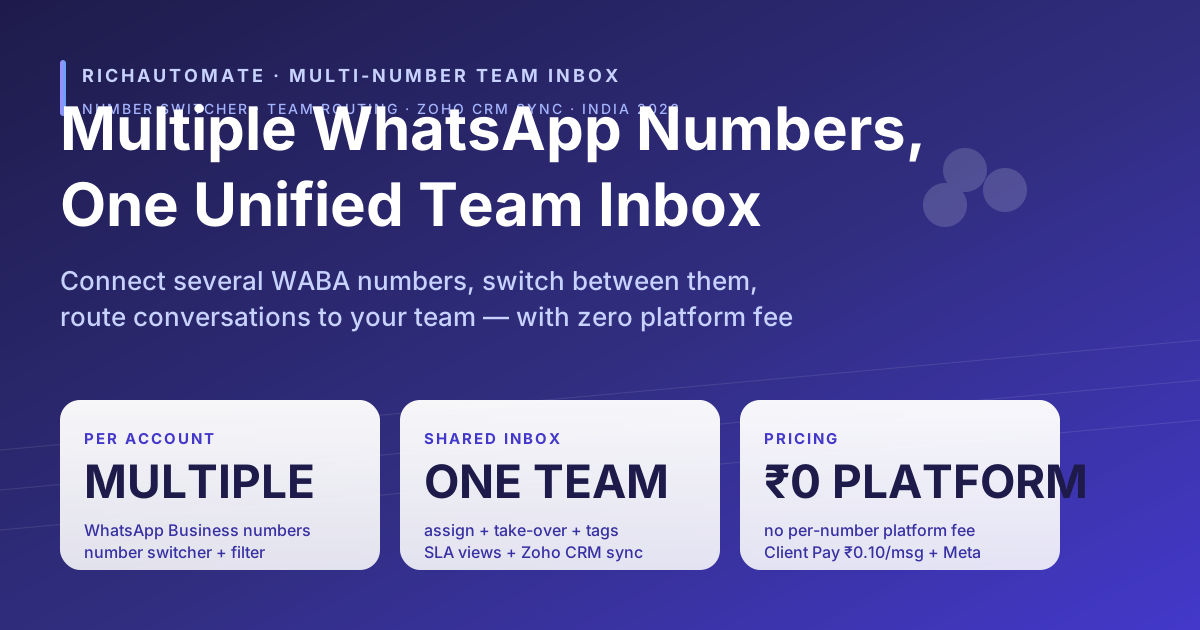
Yes — RichAutomate supports multiple WhatsApp Business numbers in one unified team inbox. Connect several WABA numbers, switch between them, route conversations to your team — with zero platform fee.
If you run a sales number and a support number, sell across multiple locations, or operate more than one brand, you do not have to juggle separate phones or separate logins. RichAutomate lets one account hold multiple WhatsApp Business (WABA) numbers and brings every conversation into a single shared team inbox. A number switcher at the top of the inbox lets you view all numbers at once or filter to one number; agents assign, take over, tag, and resolve chats with SLA tracking and saved inbox views; and every contact syncs natively to Zoho CRM. The platform fee for all of this is ₹0 per month (as of June 2026) — you pay only for messages.
Can you use multiple WhatsApp numbers for business?
Yes. WhatsApp Business API (Cloud API) is designed around the WhatsApp Business Account (WABA), and a single business can register more than one phone number. Each number is a distinct sender with its own display name, profile, and message quality rating — but they can all be managed from one platform. On RichAutomate, a tenant account has a one-to-many relationship with WhatsApp Business accounts: there is no single-number lock-in, so you can connect a second, third, or tenth WABA number under the same login.
The three practical ways businesses use multiple numbers:
- Function split — one number for sales/pre-sales, a separate number for support, so quality ratings and response SLAs do not bleed into each other.
- Location split — a dedicated number per branch, clinic, store, or city so customers reach the nearest team while head office still sees everything.
- Brand split — an agency or holding company runs several brands, each with its own number and display name, from one operations console.
What is a multi-number / multichannel WhatsApp inbox?
A multi-number WhatsApp inbox is a single shared workspace where conversations from several WhatsApp Business numbers land together, instead of being trapped on separate handsets or separate dashboards. "Multichannel" here means multiple WhatsApp channels — that is, multiple WABA numbers — flowing into one team view. It is the operational layer that sits on top of the Meta Cloud API so a team, not a single person, can answer customers at scale.
The defining features of a real multi-number team inbox are: a number switcher to move between numbers (or see them all), per-number filtering so each team sees only its queue, conversation assignment and take-over so two agents do not reply to the same chat, tagging and SLA tracking for accountability, and CRM sync so the contact record stays the system of truth. RichAutomate ships all of these. To be precise about scope: RichAutomate is a WhatsApp-first multi-number team inbox with native Zoho CRM sync — it unifies multiple WhatsApp numbers and your CRM, not Instagram, Facebook Messenger, or email.
How RichAutomate does it
The chat workspace is built around the number switcher. When you open the inbox, RichAutomate loads the list of WhatsApp Business numbers connected to your account. A selector at the top lets you choose a single number or keep the default "all numbers" view; choosing a number applies a per-number filter so the conversation list, search, and assignment all scope to that one WABA. Switching numbers is one click and does not log you out or change accounts.
- Number switcher — pick "All" to triage every number in one stream, or filter to a single number for a focused queue. The active number is passed through as a filter on every inbox query, so what you see always matches what you selected.
- Unified shared inbox — all numbers feed one team inbox. Agents see conversations in real time (Laravel WebSockets), so delivery and read receipts and new inbound messages update live.
- Team routing — assign a conversation to an agent, take over a chat another agent started, and use tags plus SLA timers to keep response times honest. Saved inbox views (for example "Unassigned", "My open", "Breaching SLA") let each team work its own slice.
- Per-number filter — the same conversation list can be narrowed to one number, so the sales team works the sales number and support works the support number without seeing each other's noise.
- Native Zoho CRM sync — contacts and conversations sync to Zoho CRM natively, so your lead and customer records stay current no matter which number the chat arrived on.
Use-cases for multiple WhatsApp numbers
| Pattern | Who it fits | How RichAutomate handles it |
|---|---|---|
| Separate sales and support numbers | D2C brands, SaaS, fintech | Two WABA numbers, per-number filter so each team sees only its queue, shared escalation when support needs sales context |
| Multi-location | Clinics, salons, dealerships, retail chains | One number per branch, head office uses the "All" view, routing sends each branch its own conversations |
| Multi-brand | Agencies, holding companies, multi-label D2C | One number and display name per brand, single operations console, tags to separate brands in reporting |
| Campaign vs always-on | Marketing-heavy teams | A dedicated promotional number isolated from the service number so quality ratings do not cross-contaminate |
| Region / language teams | Pan-India operations | Numbers grouped by region, routing and saved views per language team, all under one tenant |
Multi-number WhatsApp vs an omnichannel CRM (honest framing)
It is worth being clear about what RichAutomate is and is not, because "multichannel" and "omnichannel" get used loosely.
Get a 1-minute BSP audit on WhatsApp
Drop your WhatsApp number — we line-item your current invoice against Meta India rates in under 60 seconds. India-hosted, DPDP-compliant.
What RichAutomate is: a WhatsApp-first platform that lets one account run multiple WhatsApp Business numbers in a single shared team inbox, with a number switcher, per-number filtering, assignment, take-over, tags, SLA views, and native Zoho CRM sync — at ₹0 platform fee.
What RichAutomate is not: it is not a do-everything omnichannel suite that also pulls Instagram DMs, Facebook Messenger, live chat, and email into the same thread. If your requirement is genuinely cross-channel social-plus-email inboxing, a heavyweight omnichannel CRM may fit better — at a heavyweight price. If your customers are on WhatsApp and you want several WhatsApp numbers handled by a team without paying a platform tax, that is exactly what RichAutomate is built for.
| Criteria | RichAutomate multi-number team inbox | Generic omnichannel CRM |
|---|---|---|
| Multiple WhatsApp numbers, one inbox | Yes — number switcher + per-number filter | Usually yes, often metered per number |
| Team routing (assign / take-over / SLA) | Yes, built in | Yes, often on higher tiers |
| CRM sync | Native Zoho CRM sync | Native to its own CRM |
| Instagram / Messenger / email in one thread | No — WhatsApp-first by design | Often yes |
| Platform fee (India) | ₹0/month, usage-only | Recurring per-seat / per-channel SaaS fee |
| Billing | INR + GST, Client Pay ₹0.10/msg or SaaS Pay ₹1.50/₹0.50 | Often USD, tiered |
Setup steps
- Sign up at richautomate.in and start the 14-day free trial (no credit card; 100 free message credits on signup).
- Connect your first WhatsApp Business number through the guided Meta onboarding — verify your business and register the number against your WABA.
- Add more numbers from the same account. There is no single-number limit, so repeat the connect step for each sales, support, location, or brand number you need.
- Open the chat inbox and use the number switcher at the top: leave it on "All" to triage everything, or pick one number to filter the queue for a specific team.
- Set up team routing — invite agents, configure assignment and take-over, add tags and SLA views, and save per-team inbox views.
- Turn on Zoho CRM sync so every contact and conversation flows into your CRM automatically.
- Pick your billing model — Client Pay (BYO Meta credit card + flat ₹0.10/msg) or SaaS Pay (₹1.50/marketing, ₹0.50/utility, all-inclusive INR). Platform fee stays ₹0 either way.
Pricing
As of June 2026, RichAutomate charges ₹0/month platform fee — there is no per-number, per-seat, setup, or monthly platform charge. You choose one of two usage-only billing models on the same account:
- Client Pay — flat ₹0.10/message platform fee, with Meta conversation charges billed directly to your own Meta credit card at official Meta India rates. Best for high volume and agencies billing clients separately.
- SaaS Pay — ₹1.50/marketing message and ₹0.50/utility message, all-inclusive INR (Meta cost + GST included), no Meta credit card needed, single GST invoice each month.
Every account starts with a 14-day free trial and 100 free message credits, India-hosted, DPDP-compliant by default.
The DPDP penalty calculator puts a number on the downside if your consent records do not hold up.
Run all your WhatsApp numbers from one team inbox.
Connect multiple WhatsApp Business numbers, switch between them, filter per number, route conversations to your team with assignment, take-over, tags and SLA views, and sync every contact to Zoho CRM — at ₹0 platform fee. Client Pay ₹0.10/msg + Meta direct, or SaaS Pay ₹1.50 marketing / ₹0.50 utility, all-inclusive INR. 14-day free trial + 100 credits, no credit card.
Related reading: Best WhatsApp CRM in India 2026 · WhatsApp + Zoho CRM integration · Wati vs RichAutomate · Pricing.