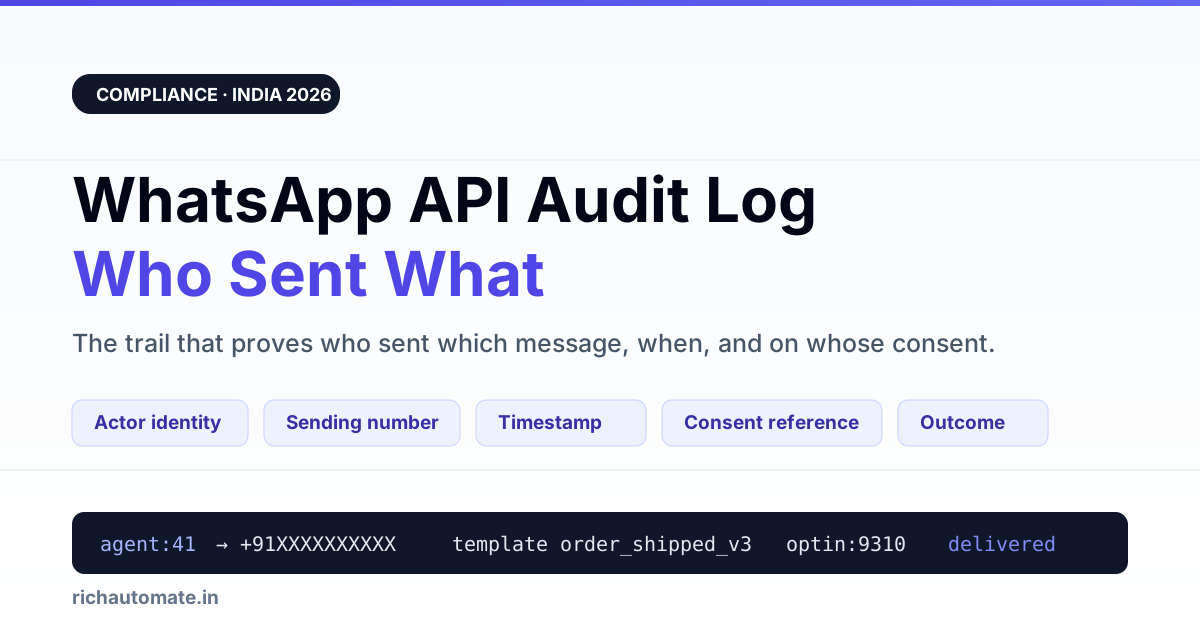
A WhatsApp API audit log is the record that answers, for any single message, who sent it, from which number, to whom, at what time, and on what consent. If your team cannot reconstruct those five facts for a message sent three months ago, you do not have an audit log — you have a chat window.
This matters in India for three unrelated reasons that happen to converge on the same table. A customer raises a grievance and you must show what was actually sent. Meta or your BSP opens an account review and asks for opt-in evidence. Or your own finance team disputes a bill and wants to know which campaign consumed the conversations. All three questions are answered by the same log, or by none.
Most teams discover the gap at the worst moment: a complaint lands, five people had access to the same WhatsApp number, and the platform shows the message but not the person. This guide covers what a usable trail contains, what the platform keeps for you, what you must write yourself, and how long to hold it.
What an audit log has to answer, in plain terms
Start from the questions rather than the schema. A WhatsApp audit trail earns its keep only if it answers these without a developer:
- Who sent this? A named human, or a named automation — never "the system".
- To whom, and from which number? Multi-number accounts make this non-obvious.
- When, in what timezone? Store UTC, display IST, never mix.
- Under what permission? The opt-in that allowed this send, and whether it was still valid.
- What was the exact content? Template name plus the variables that filled it, not a paraphrase.
- What happened after? Delivered, read, failed, blocked, reported.
- Who else touched this conversation? Reassignments, note edits, exports, deletions.
The last one is the one almost everyone skips, and the one an investigation always needs.
The seven fields a usable audit record carries
| Field | Example value | Why an investigation needs it |
|---|---|---|
| Actor identity | agent_id 41 (Priya S.) / api_key "erp-sync" | Separates a human decision from an automated one. "Shared login" destroys this field. |
| Sending number | phone_number_id 10192…899 | Multi-number tenants otherwise cannot tell which brand identity spoke. |
| Recipient | +91XXXXXXXXXX (hashed in exports) | The subject of any grievance or deletion request. |
| Timestamp (UTC) | 2026-09-14T13:42:07Z | IST-only storage breaks the moment a server or a vendor sits elsewhere. |
| Content reference | template "order_shipped_v3" + {order: 88421, courier: "…"} | Proves what the customer actually saw, without storing a second copy of everything. |
| Consent reference | optin_id 9310, source "checkout_form", captured 2026-03-02 | This is the field Meta and a DPDP grievance both ask for. |
| Outcome | delivered → read / failed code 131049 | Distinguishes "we never sent it" from "it was sent and refused". |
Seven fields. Nothing exotic. The work is not in the schema — it is in making sure every send path writes a row, including the ones nobody remembers.
What the platform keeps versus what you must log yourself
A common and expensive assumption is that WhatsApp or the BSP is keeping all of this. Broadly, the platform holds the message-transport facts; almost everything about intent, identity and permission is yours to record. The split below is the practical shape most Indian teams find — confirm the exact retention terms with your own BSP contract, because they differ and they change.
| Record | Typically held by the platform / BSP | Must be logged by you |
|---|---|---|
| Message delivered / read status | Yes, via webhooks, for a limited window | Persist it — the webhook is a notification, not an archive |
| Template approval and version history | Yes, in the template manager | Which version was live on a given date |
| Which staff member pressed send | No | Yes — the platform sees one business, not your org chart |
| Opt-in capture (when, where, wording) | No | Yes — this is entirely your record |
| Opt-out / STOP handling | Partially, as a block signal | Yes — the timestamp and the suppression that followed |
| Contact exports and bulk deletions | No | Yes — the highest-risk action, least often logged |
| API key creation, rotation, revocation | No | Yes, with the human who did it |
Read that right column again. Every row in it is a question a regulator, an auditor or an angry customer can ask, and none of them are answerable from a platform dashboard alone. Pair this with your WhatsApp chat data retention policy so the trail and the messages expire on deliberate, matching schedules rather than by accident.
Shared number, many agents: attribution is the hard part
One WhatsApp Business number, six people answering it. That is the normal Indian setup, and it is exactly where audit trails quietly fail. The failure mode is not technical — it is that everyone signs in as "support@company" because it was faster on day one.
Three rules fix most of it:
- One login per human, always. A shared credential converts every future investigation into a guess. If your multi-agent WhatsApp team inbox supports per-user accounts, the cost of using them is ten minutes of setup.
- Log assignment changes, not just messages. "Conversation moved from Priya to Rahul at 16:05" explains a tone shift that the message log alone makes look erratic.
- Name your automations like people. An automated reply should log as
bot:after_hours_v2, not as a blank actor. When a customer says "your team told me X at midnight", you want to know instantly whether a human did.
Attribution also changes behaviour before anything goes wrong. Agents who know their sends are attributable send more carefully — a bigger practical win than most detection controls.
Get the DPDP WhatsApp checklist
A founder-led WhatsApp reply with the DPDP consent + audit-log checklist for WhatsApp Business messaging. India-hosted. No spam.
Consent and opt-out events belong in the same trail
Teams tend to keep two separate systems: a message log in the chat tool, and consent records somewhere in the CRM. Under pressure, the join between them is manual, slow and wrong. Keep the consent reference on the message row itself.
The events worth their own audit rows:
- Opt-in captured — with source, exact wording shown, and timestamp.
- Opt-in scope changed — a customer agreeing to order updates is not agreeing to offers.
- Opt-out received — including the raw inbound text, because "STOP", "stop bhejo" and "band karo" all count.
- Suppression applied — the moment sending actually stopped, which is the fact that matters.
- Deletion or erasure request executed — what was removed and what was lawfully retained.
The last three are the difference between a defensible position and an apology. Our guides on DPDP Act opt-in compliance and on the opt-in evidence a Meta audit expects cover the capture side in detail; this page is about proving, later, that you honoured it.
Automations and API keys need an identity too
Once an ERP, a website form and a scheduler can all trigger WhatsApp sends, "the API did it" stops being an answer. Give every integration a distinct key, and log the key on every message it produces.
| Automation event | Log this | What it prevents |
|---|---|---|
| Key created | Who created it, when, what scope | Orphan keys nobody can explain at review time |
| Key used to send | Key name on every resulting message row | A runaway integration blamed on the support team |
| Key rotated or revoked | Timestamp and the human who did it | Silent access after an employee exit |
| Bulk job launched | Job id, audience size, template, requester | The "who approved a 40,000-message blast" conversation |
| Webhook endpoint changed | Old and new URL, actor | Message data quietly redirected elsewhere |
That last row is a genuine security event, not an ops detail. Treat a webhook URL change with the seriousness of a password change.
How long to keep the trail
Audit records and message content deserve different clocks. Message bodies carry personal data and should expire relatively quickly once no obligation holds them. The audit trail — who did what, when — is far smaller, far less sensitive, and far more useful years later.
A defensible default many Indian teams settle on: keep message content to a documented short window driven by actual business need, and keep the metadata trail materially longer because its privacy cost is low and its evidential value is high. There is no single statutory number that covers WhatsApp chat logs generally — retention is driven by whichever obligation genuinely applies to you, such as tax records, sectoral rules, or live litigation. Confirm the periods that bind your business with your CA or counsel, and then write the policy down: an undocumented practice is not a retention policy, and an auditor will treat it as one more thing to investigate.
Whatever you choose, apply it automatically. A retention rule enforced by someone remembering to run a cleanup script is a rule that has already failed.
When someone asks for the log: the 24-hour pull
Requests arrive with deadlines. A grievance under DPDP, a BSP asking why a number's quality dropped, a customer's lawyer. Rehearse the pull before you need it.
- Scope it. One contact, one date range, or one campaign — resist exporting everything.
- Pull messages with their consent reference attached. Two disconnected spreadsheets invite the follow-up question you cannot answer.
- Include the outcome codes. A failed send is evidence in your favour; do not filter it out.
- Include actor identity. Anonymous rows read as evasion even when they are not.
- Log the export itself. Who pulled the data, when, why, and where it went.
- Redact in the export, not in the source. Never edit the underlying trail to make an answer look tidier.
If the request arrives alongside a suspected breach, the notification clock is separate and much less forgiving — see CERT-In and DPDP breach notification duties before anything else. And if the trigger was a platform action against your account, the same trail is what you will attach to a WhatsApp Business account restriction appeal.
What to switch on this week
You do not need a project for this. In rough order of payoff per hour spent:
- Kill shared logins. One account per human, today.
- Make sure the actor is stored on every outbound message, including automated ones.
- Put the opt-in reference on the message row, not in a separate system.
- Start logging exports, deletions and API key changes — the events nobody records until they need them.
- Write the retention periods down, then automate them.
- Do a dry run: pick a random contact from four months ago and try to answer all seven questions. Whatever you cannot answer is your backlog.
That dry run is the whole audit in one exercise, and it takes about twenty minutes. On RichAutomate, per-agent identity, message-level attribution and consent references are part of the standard conversation record rather than an add-on — pricing stays usage-only with no setup or monthly fee, which you can check on the WhatsApp API pricing page.
The short version
An audit log is not a compliance ornament. It is the difference between answering a hard question in ten minutes with evidence, and spending three days assembling a story you cannot fully prove. Seven fields, written on every send, by every path, kept on a schedule you wrote down.
An audit log tells you what was sent. The mirror question is what was never answered: read our guide to missed WhatsApp messages and first-response time to close that gap.
Before you trust delivery reporting
Related: read our guide on WhatsApp audit trails for chargeback disputes.